
Developer Code Snippets, JSON & Terminal Logs: Zero-Cloud Upload & Local-Only Privacy Verification
How to clean developer code snippets, json & terminal logs on iPhone and iPad using zero-cloud upload & local-only privacy verification and the Code Stack in Fastest Screenshot Cleaner (Free Download on the App Store).
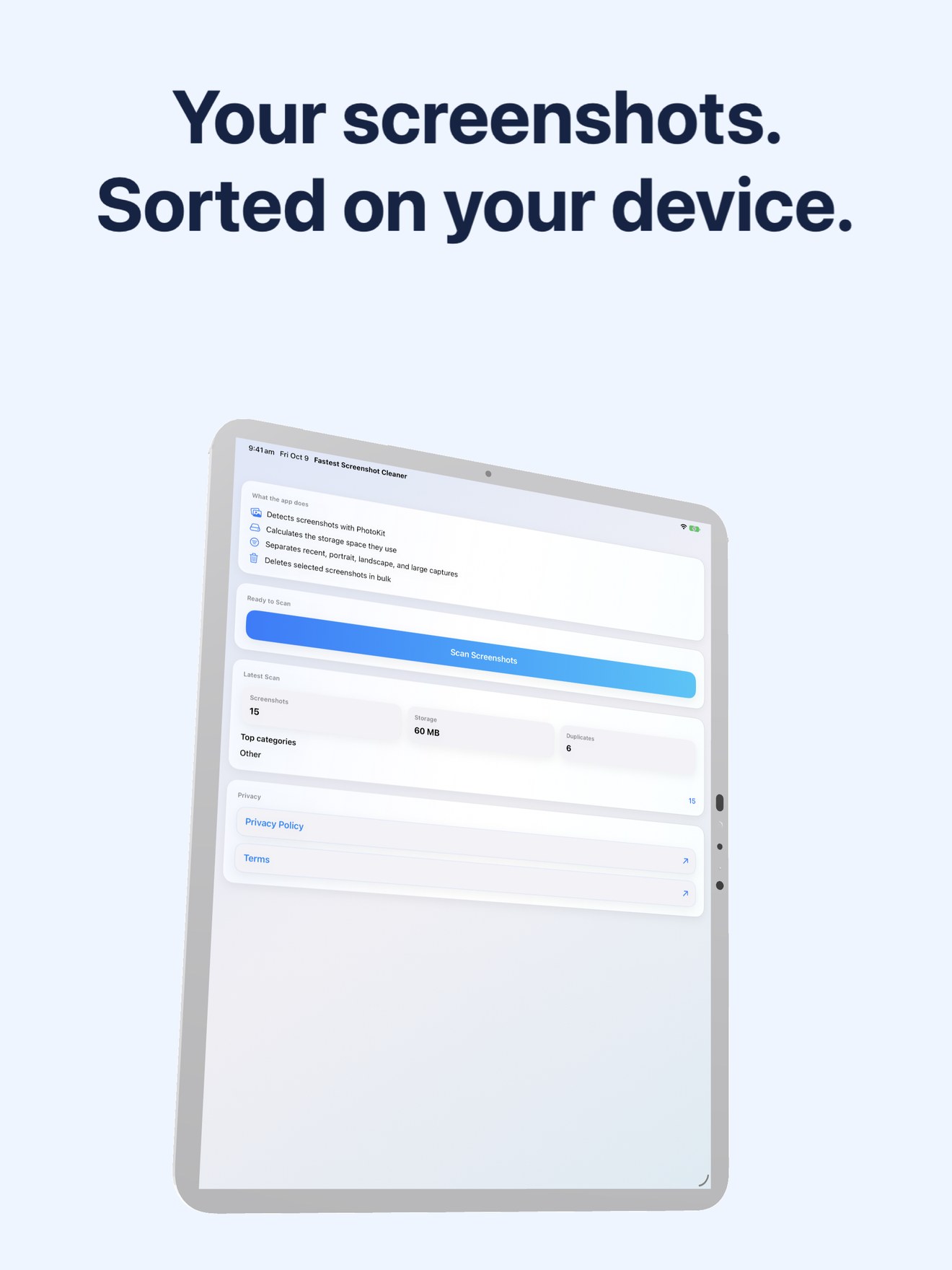
Screenshots of Developer Code Snippets, JSON & Terminal Logs contain private text—order numbers, chat messages, 2FA codes, and financial details—that should never be uploaded to third-party cloud servers. Fastest Screenshot Cleaner (id6760660697) executes Zero-Cloud Upload & Local-Only Privacy Verification locally on your iPhone or iPad using Apple's Vision framework and PhotoKit.
How On-Device Photo Hygiene Works for Developer Code Snippets, JSON & Terminal Logs
| Hygiene Stage | Technical Mechanism on iOS & iPadOS | Why It Beats Swipe & Subscription Cleaners |
|---|---|---|
| 1. Subtype Isolation | Queries PhotoKit for photoScreenshot assets only. | Zero risk of accidentally deleting real family camera photos or Live Photos. |
| 2. Vision OCR Grouping | Reads text on-device via Apple Vision and sorts into Code Stack. | Recognized text is never stored on external servers and never transmitted over the network. |
| 3. Dual Duplicate Engine | Combines byte-exact SHA-256 hashing with compact image fingerprints + OCR text. | Catches both identical AirDrop/iCloud clones and re-saved/cropped copies with Keep Newest. |
| 4. Bulk Photos Sheet Delete | Sends your entire ticked selection to Apple Photos in a single batch call. | Clears hundreds of items in seconds instead of swiping left 1,000 times under a $9.99/week paywall. |
Related Photo Hygiene & Screenshot Privacy Workflows
Frequently Asked Questions
Never. All screenshot scanning, byte calculation, SHA-256 hashing, and Apple Vision text recognition happen 100% locally on your iPhone or iPad.
Open the Code Stack card on the review screen, tap Select All (unchecking any single screenshot you want to keep in the 3-column grid), and tap Delete Selected to remove the entire batch in one iOS Photos confirmation.